
A daily dev log. A nice UI, plain text in the background.
Split your working day into blocks, assign them to projects and write down what happened. No stopwatch, no exact minutes. It's all Markdown files in a folder you own.
Free and open source · Made for Linux and GNOME
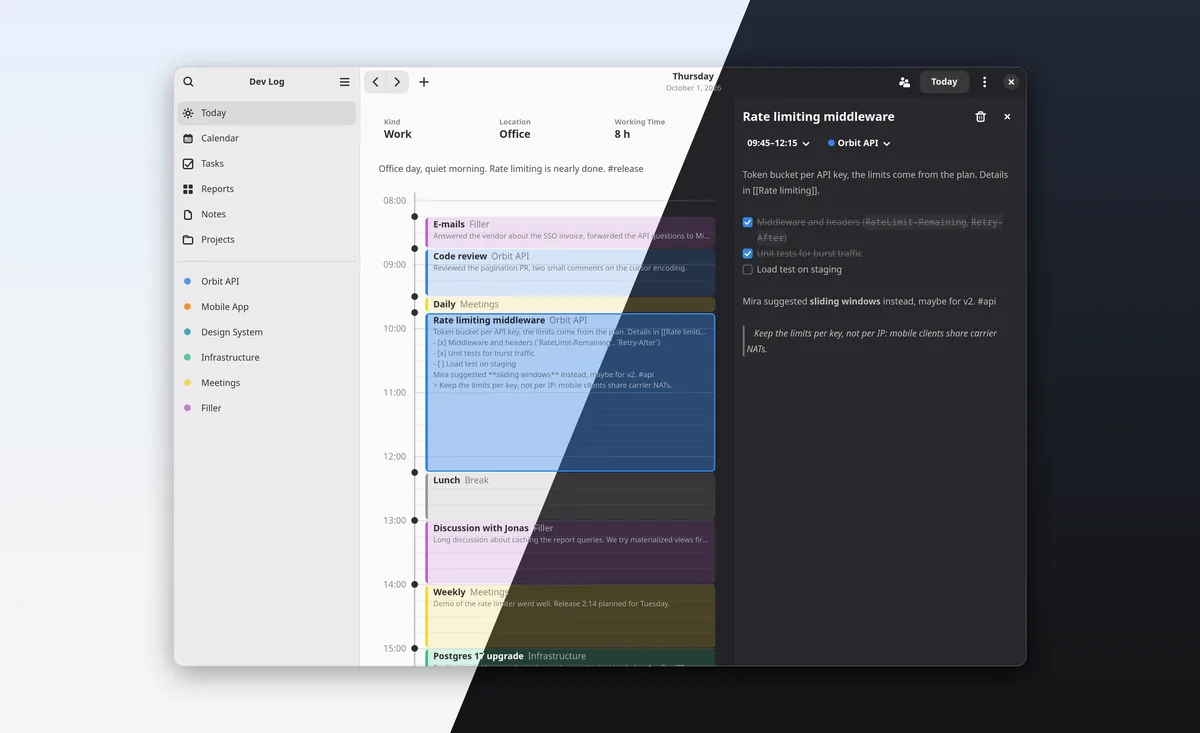
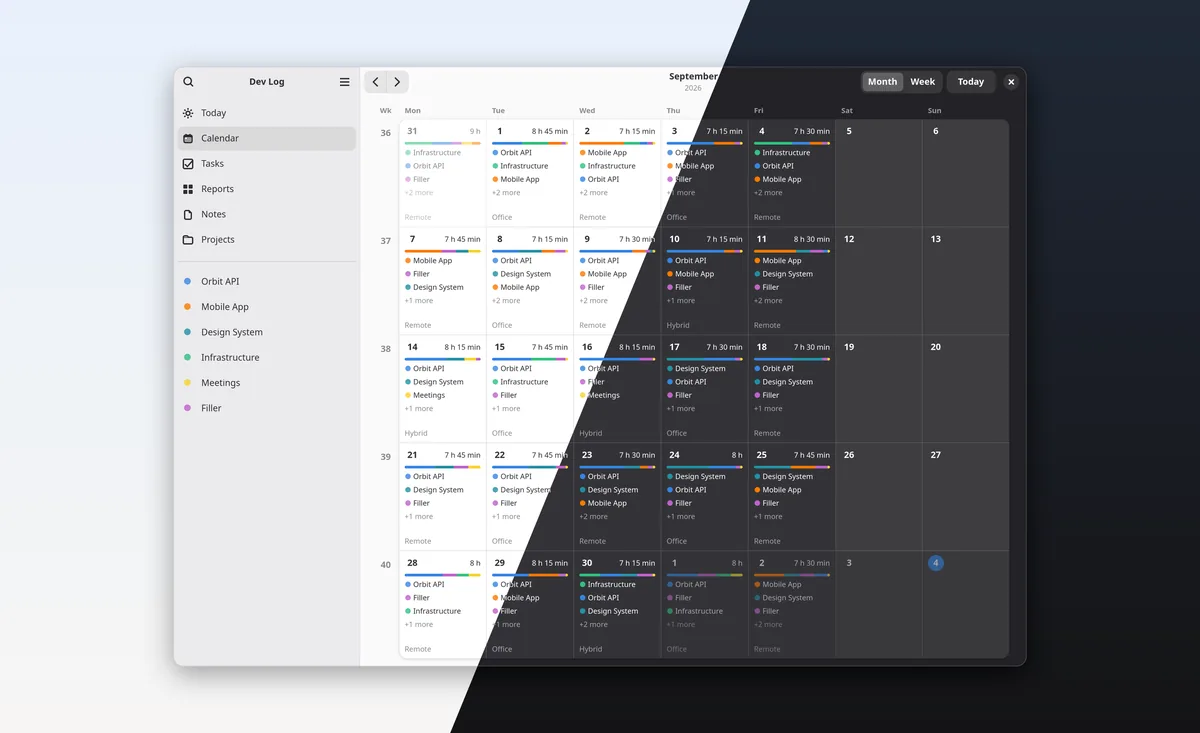
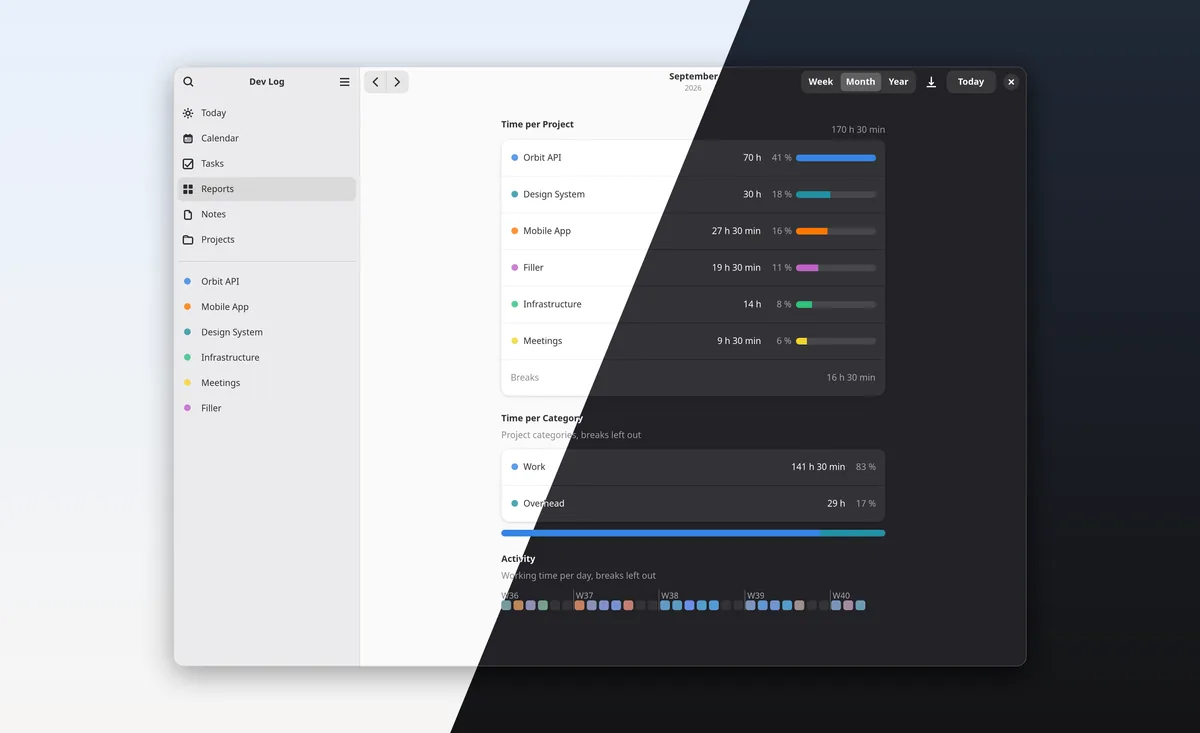
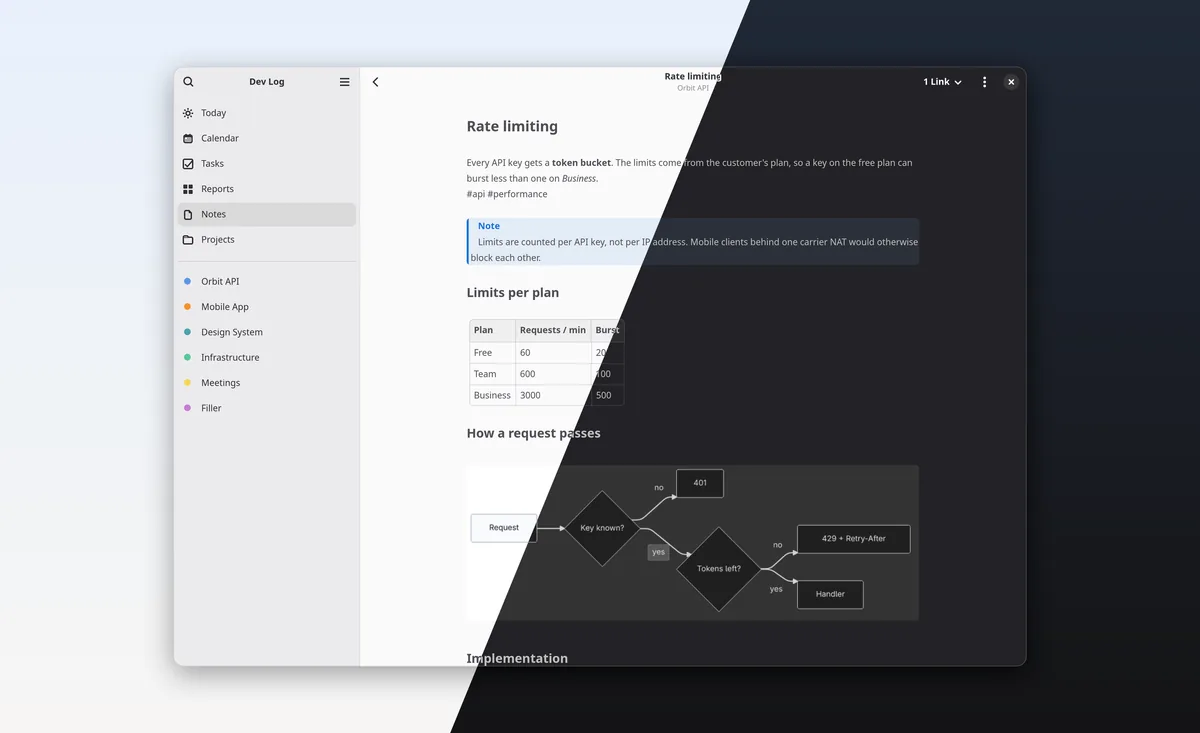
A dev log is your diary as a software developer or engineer. You track what you did during the day and take notes on things that happened.
At first, it helps with the next daily. Over time, and with search, it shows you things from months ago, how long things take, and where you keep running into the same problems. You can even let an AI summarize it for you.
Maybe it's some kind of second brain, but one that's tied to time instead of a web of linked notes. You don't remember which note it was, but you remember it was around the time you worked on that export. And that's enough to find it.
So you just write down what matters right now. No getting stuck on questions like "where does this note belong?", "have I already written something about this?" and so on.
Overhead
None of us works 9 hours a day straight on projects.
The daily, a quick question from a colleague, a longer chat, the inbox. That's not project work, but it is working time. Every new vault comes with two projects for it: Meetings and Filler. You log them like any other block, and they count as work.
In the reports you see how much went to projects and how much to overhead. Only breaks don't count.
There's no timer to start. You fill in the day when it suits you, at lunch or in the evening.
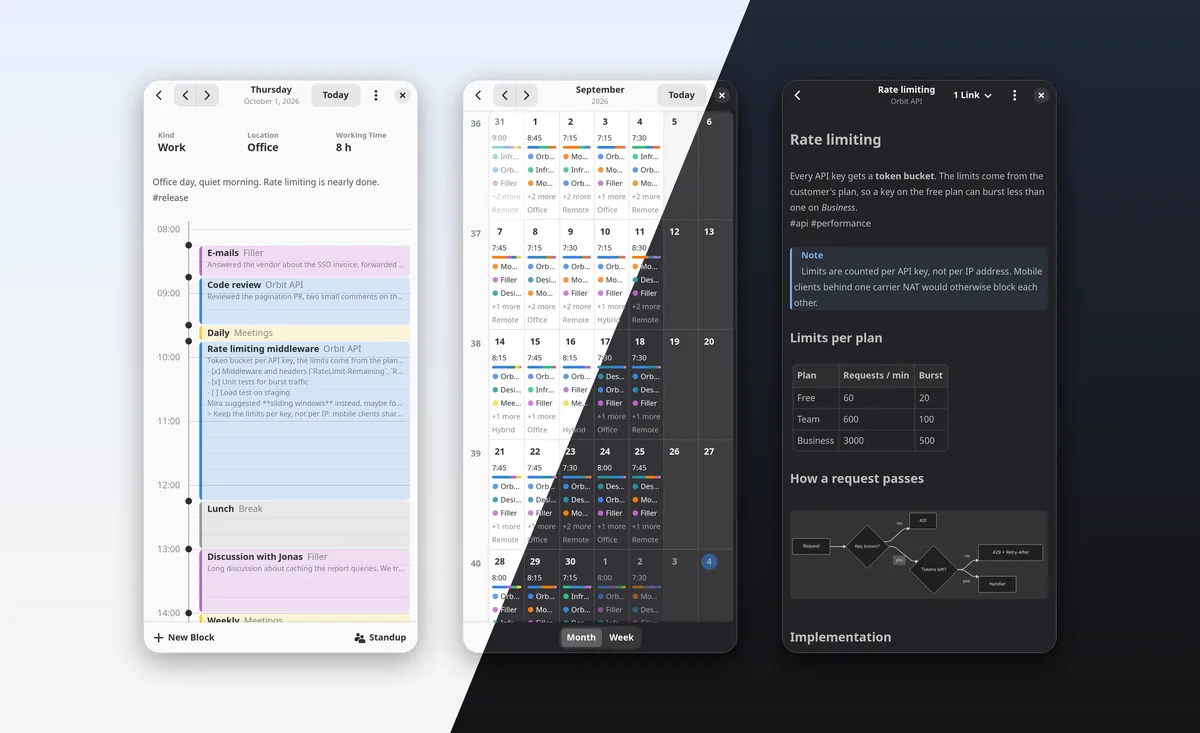
The day is a grid of 15-minute blocks. The size can be anything that divides an hour, such as 10 or 30 minutes.
Every block and every day can have notes, with checkboxes, highlighted code, Mermaid diagrams and wiki links to project notes.
Every project has its own notes and files. BitLog previews PDFs, LibreOffice documents and text files, and opens them in their default app.
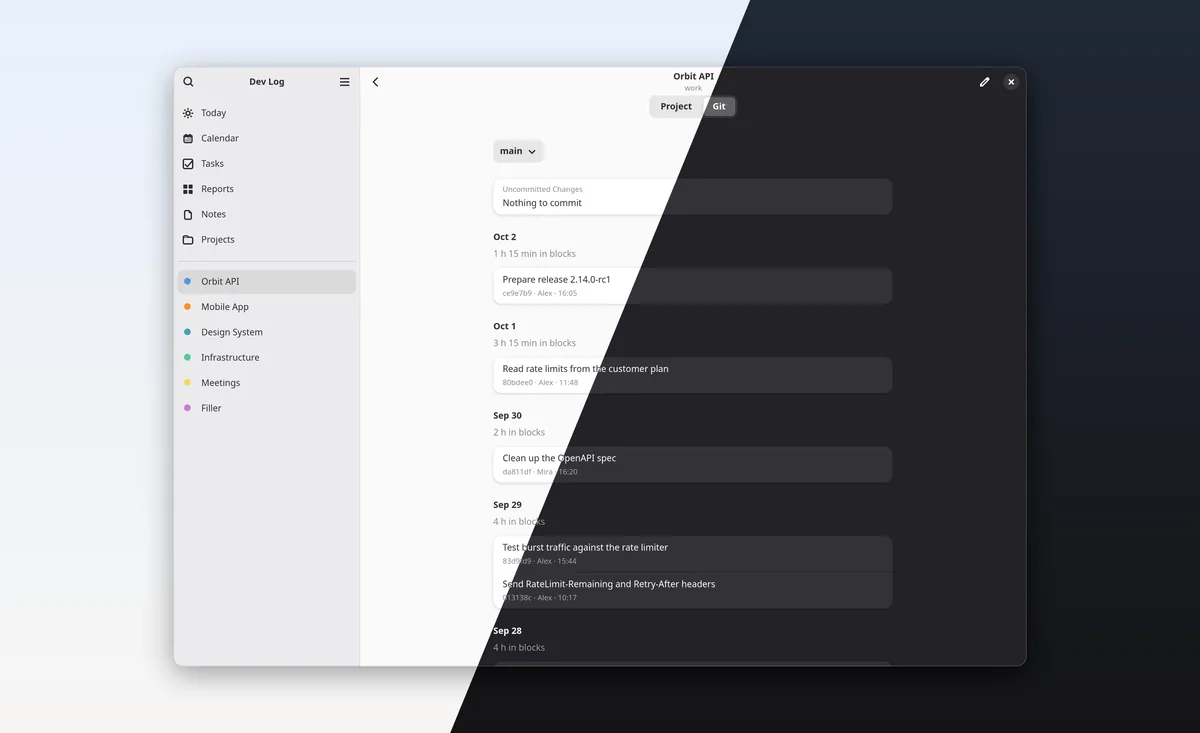
A project linked to its repository shows the commits per branch with diffs and tags, and what isn't committed or pushed yet.
A summary of your last working day and today, with your commits and finished tasks, as text for the team chat.
Open tasks stay on every day until they're done, so they never need to be carried over. You tick them off and add new ones in the day view.
Your weekly hours are shared among your workdays, and days off lower the target. Remote and office days are counted per year.
Time per project and category for a week, month or year. Blocks export as CSV, a week as a Markdown report.
Full-text search over blocks, day notes, project notes and tasks. The same field also runs commands.
Plain text
A day is one Markdown file with a small YAML header. Settings, tasks and project details are TOML files, and BitLog keeps your comments in them. Open it all in any editor, grep through it, put it under version control. If BitLog is gone one day, your log is still readable.
Sync the folder with Git or any cloud service that syncs files. If two devices changed something at the same time, BitLog finds the conflict copies and helps you merge them.
---
format: 1
date: "2026-09-30"
kind: "work"
location: "remote"
blocks:
  - { id: "zhqo", start: "08:30", end: "08:45", project: "meetings" }
  - { id: "lv17", start: "08:45", end: "10:30", project: "client-portal" }
---

# 2026-09-30

Focus day, no meetings after the daily.

## Daily {#zhqo}

## Invoice export {#lv17}

Export now streams the CSV instead of building it in memory.

- [x] Stream rows with `find_each`
- [ ] Ask Anna whether the export needs the cost centre
Command line
The bitlog command works on the same files. Add a block
without leaving the shell, print your standup, search all notes or
check the vault for sync conflicts.
If the app is open at the same time, it shows your changes right away.
The Flatpak brings only the app. The command line tool is installed with Cargo: all commands and how to install them.
$ bitlog block add 15:00-16:30 webshop "Refund emails"
$ bitlog today
Wednesday, 2026-09-30
Work · Remote · 8 h worked

zhqo  08:30–08:45      15 min  Meetings        Daily
lv17  08:45–10:30  1 h 45 min  Client Portal   Invoice export
ese8  10:30–11:00      30 min  Client Portal   Review PR #412
4h53  11:00–12:15  1 h 15 min  Webshop         Payment webhooks
...
$ bitlog stats --week
Client Portal    6 h 45 min  33 %
Webshop          6 h 15 min  31 %
Infrastructure          4 h  20 %
Every release comes with a Flatpak bundle.
Open the file with your system's software app, or use the terminal:
flatpak remote-add --user --if-not-exists flathub \
  https://dl.flathub.org/repo/flathub.flatpakrepo
flatpak install --user ./bitlog-<version>.flatpak
Flatpak fetches the GNOME runtime from Flathub. The bundle doesn't update itself yet: to update, install the bundle of a new release with flatpak install --user --reinstall.
Pick an empty folder for a new vault, or one you already sync from another device.
Want to build it yourself? The build guide explains how.